


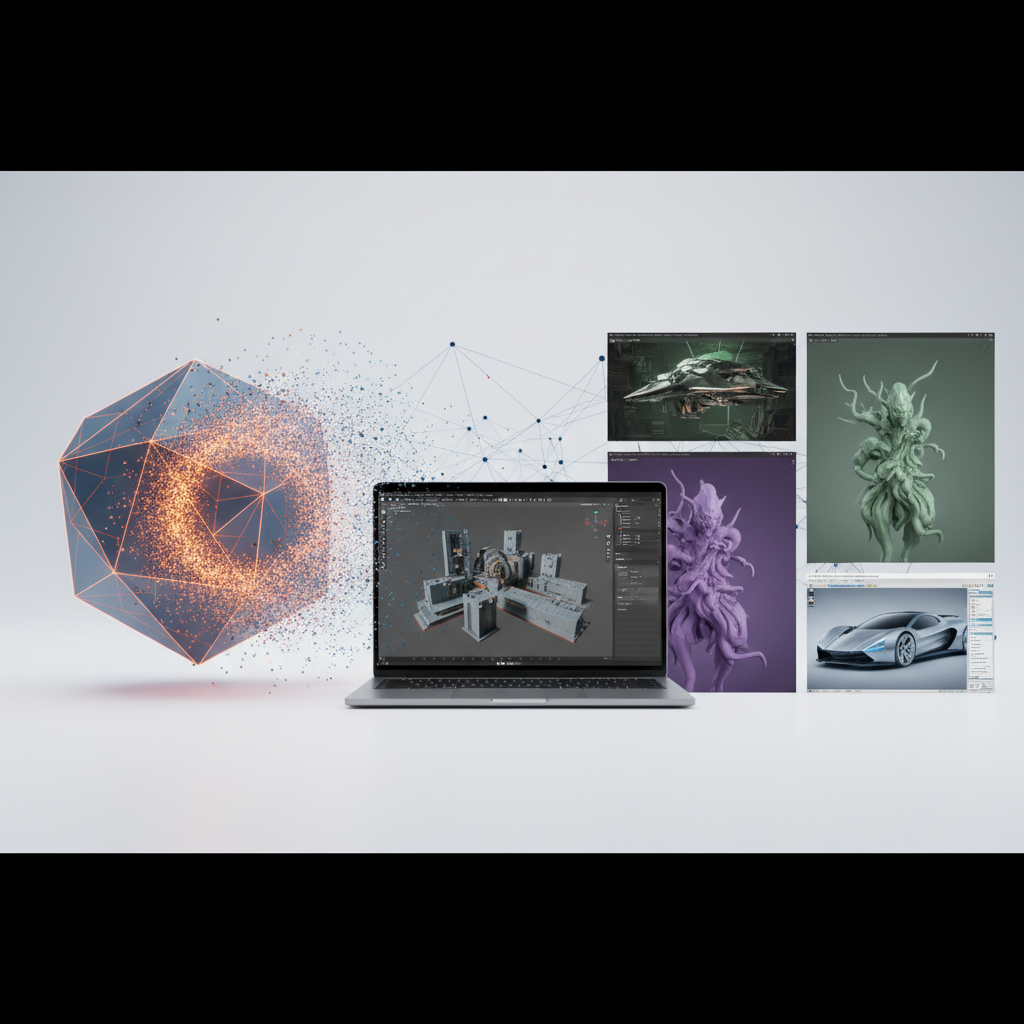
In the realm of 3D modeling software, Blender stands out as a versatile and powerful option. However, it’s not the only player in town. Understanding how Blender compares to other popular tools can greatly help game developers and filmmakers decide which is best for their projects. In this article, we’ll delve into various alternatives such as Autodesk Maya, 3ds Max, and Cinema 4D, highlighting their key features, strengths, and areas where Blender shines.
1. Overview of Popular 3D Modeling Software
Before diving deep into comparisons, let’s briefly explore some of the leading software options on the market:
- Blender: Open-source and free, ideal for modeling, animation, and simulations.
- Autodesk Maya: Industry-standard for animation and rigging with sophisticated tools.
- Autodesk 3ds Max: Known for its robust modeling features and excellent rendering capabilities.
- Cinema 4D: Renowned for user-friendly interface and motion graphics capabilities.
2. User Interface and Learning Curve
The user interface significantly impacts a user’s experience, especially for beginners. Here’s a quick comparison:
| Software | User Interface | Learning Curve |
|---|---|---|
| Blender | Highly customizable but can be overwhelming | Moderate; many tutorials available |
| Autodesk Maya | Intuitive for those with prior experience | Steep, especially for new users |
| 3ds Max | Clear layout, user-friendly | Moderate; not as steep as Maya |
| Cinema 4D | Very intuitive, good for beginners | Beginner-friendly with rich resources |
Blender’s interface can be daunting at first, but once you customize it to your liking, it becomes a powerful ally. For an introduction to the Blender interface and basic functionalities, check out our Getting Started with Blender article.
3. Features and Capabilities
In this video, we dive deeper into the unique features and capabilities of Blender compared to other 3D modeling software, showcasing real-world examples and user experiences. By tuning in, you’ll gain valuable insights that can help you decide which tool best fits your creative workflow.

Understanding the features of each software is crucial for making an informed decision:
3.1 Modeling Tools
Blender offers a range of modeling tools that cater to both low-poly and high-poly modeling needs. Comparatively:
- Autodesk Maya: Superior for character modeling, providing advanced sculpting features that allow for detailed character textures and shapes.
- 3ds Max: Excellent polygon modeling features with a focus on architectural visualization, enabling intricate designs with its parametric modeling capabilities.
- Cinema 4D: Great for motion graphics and text effects, especially with its MoGraph tool, making it easier to create complex animations quickly.
Blender is versatile and adaptable, providing robust modeling options suited for various types of projects. Its sculpting tools have advanced significantly, rivaling those in more expensive software. Videos on YouTube can provide insights on how to leverage Blender’s modeling tools effectively.
3.2 Animation and Rigging
When it comes to animation, Blender stacks up quite well against the competition:
- Maya has a solid reputation for its advanced rigging and animation features, making it the go-to for large-scale movie productions and animation studios.
- Blender’s animation system, while powerful, has a learning curve associated with its complexities, especially in the use of keyframes and motion paths.
- Cinema 4D excels in motion graphics, making it a preferred choice for animators focusing on that sector, primarily due to its fast rendering times.
Keep in mind, if your projects heavily rely on animations, it may be worth delving into any software’s specific workflows and tools. For extensive character animation techniques relevant to Blender, see our article on incorporating Blender into your game development pipeline.
3.3 Rendering Capabilities
Rendering is often the final stage of the 3D modeling process and varies significantly across platforms. Key points include:
- Blender: Cycles and Eevee render engines deliver impressive results. Cycles is a ray-trace based engine, while Eevee allows for real-time rendering, catering to different project demands.
- Maya: Arnold Renderer offers exceptional image quality and is integrated within Maya, providing an easy workflow for artists familiar with the software.
- 3ds Max: Mental Ray and V-Ray provide versatile rendering options, particularly for photorealistic architectural projects.
- Cinema 4D: Excellent integration with render engines for quick outputs, especially for motion graphics and real-time projects.
Blender’s rendering capabilities are constantly improving and can match, or even exceed, the results from paid software in many instances. This can be a huge advantage, allowing you to save costs while achieving high-quality outputs. The community also contributes additional plugins to enhance its rendering function even further.
4. Community and Support
A strong user community can significantly enhance your learning process and ongoing support:
- Blender: An active community with extensive online forums, YouTube tutorials, and free resources. The Blender Artists forum is particularly valuable for troubleshooting.
- Maya: Comprehensive support is available, but most resources are paid, including courses and documentation.
- 3ds Max: A well-established community often hosts numerous tutorials, albeit with less interaction than Blender’s community.
- Cinema 4D: Solid tutorials and resources available, especially for graphics, often backed by professionals in the industry.
Having an active support network can make all the difference, especially for troubleshooting or learning new techniques. Blender’s active updates bolster community contributions, ensuring users are informed about the latest features.
5. Cost and Licenses
When assessing options, consider budget constraints, especially for indie developers and small studios:
- Blender: Completely free and open-source, which makes it an attractive choice for small developers.
- Maya: Subscription model, can be costly; discounts may be available for academic institutions.
- 3ds Max: Also subscription-based, typically priced similarly to Maya, often aimed at more professional users.
- Cinema 4D: Subscription and perpetual licenses available, but still expensive, typically justifiable for established studios.
The cost factor often becomes pivotal in choosing the software, especially if you’re starting out. Blender’s free offering makes it an attractive choice for those venturing into 3D work. Furthermore, some businesses find it beneficial to create in-house pipelines centered around Blender to maximize efficiency and invest savings back into their creative projects.
6. Which Should You Choose?
Deciding which software to use often comes down to personal preference, project requirements, and budget. Here is a simple breakdown to help you decide:
- Choose Blender for cost-effectiveness and a powerful all-in-one toolkit. Its advanced features continue to evolve, catering to all skill levels.
- Opt for Maya if working in professional animation and rigging; its tools are tailored for high-end production flows.
- 3ds Max is ideal for those focusing on architectural and product visualization. Its modeling tools are designed for precision.
- Cinema 4D is perfect for motion graphics and well-known for its user-friendly interface, ideal for creatives looking to quickly produce dynamic content.
In essence, all tools come with their unique strengths. If you want to explore Blender’s capabilities more, check out our guide on movies made using Blender. It showcases real-world applications of this remarkable software.